
TPR Research in Claude
Pāḷi Tipiṭaka research tools for your AI app
- Open claude.ai in your browser and sign in.
- In the left sidebar, click Customize, then Connectors. (Older layout: your name › Settings › Connectors.)
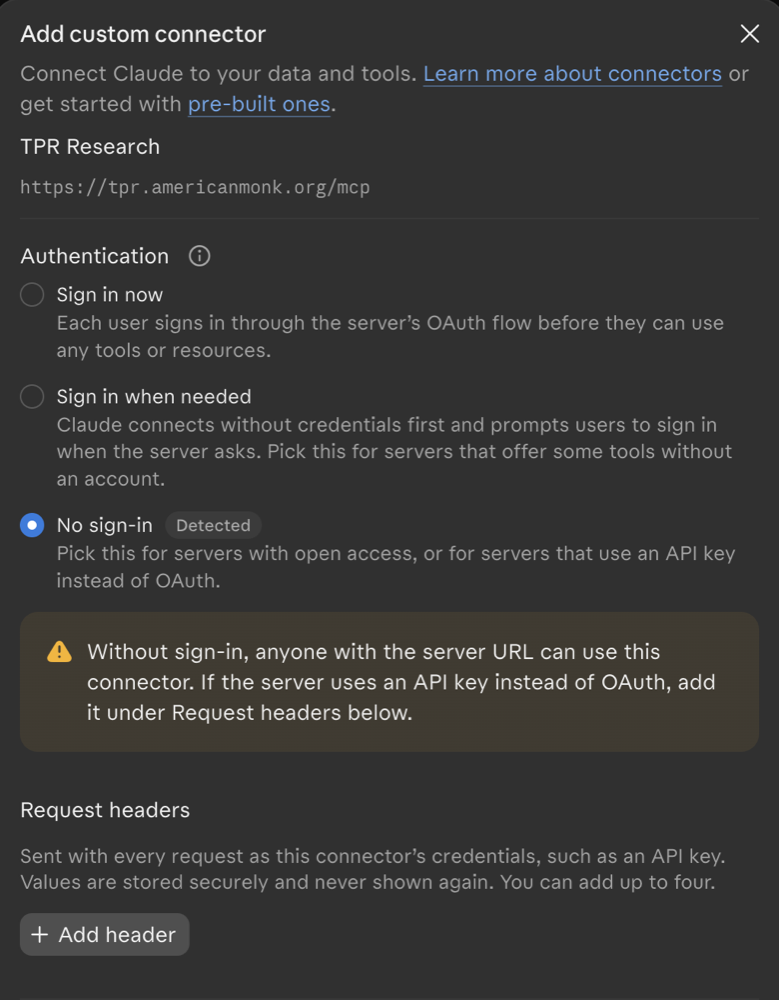
- Click Add custom connector.
- Name: TPR Research. URL: paste this address:
https://tpr1.americanmonk.org/mcp - Authentication: No sign-in (Claude finds this by itself). Leave Request headers empty.
- Click Add.
- Start a new chat. Click + and check that TPR Research is on.
- Ask, for example: Using TPR, does loving-kindness affect others, or only oneself? Make a paper.
- The free plan allows one custom connector.
- Once added on the web, it also works in the Claude phone and desktop apps.
- On a work or team account, the account's owner may have to allow custom connectors.